

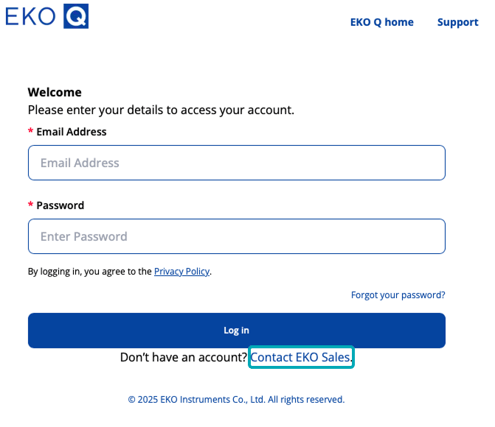
EKO Q uses e-mail and password authentication. To create an account, click Contact EKO Sales to receive the link to access the sign-up page, then follow the on-screen instructions to complete your registration. Keep your password safe and change it regularly.
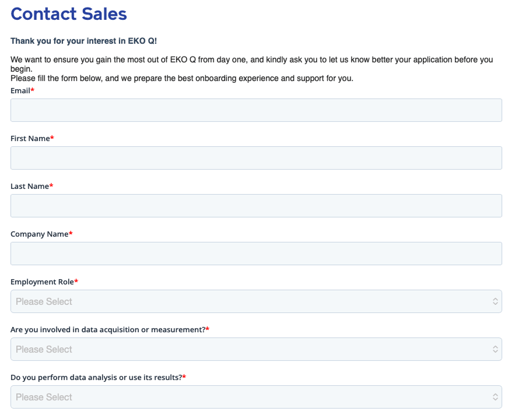
Fill in the required fields to proceed with the sign up process.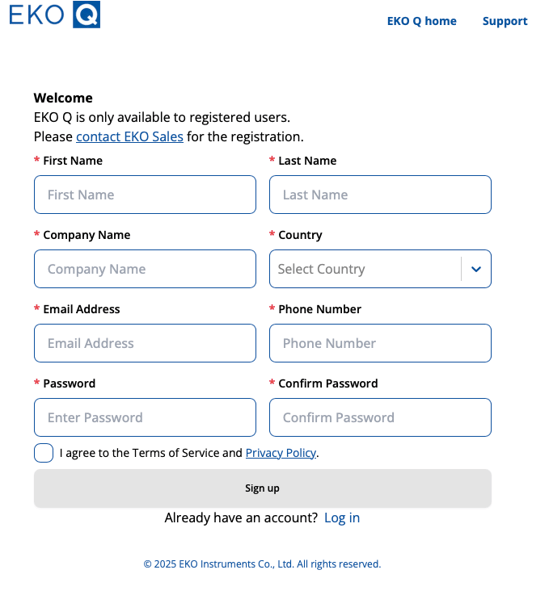 Follow the instructions in the email to activate your account and proceed with the login.
Next article: Set up your EKO Q account