

Site in EKO Q refers to the location where measurements take place, such as a photovoltaic (PV) plant, meteorological station, or another measurement setup. Sites help organize measurement data and ease further analysis.
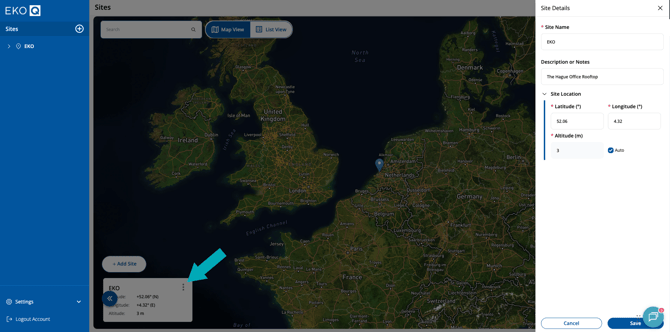
Create a site by clicking “Add New Site” in the top right corner on the main page or on the Add button ( ) in the navigation panel. Provide required information.

You can edit site details any time in the Sites page by clicking the menu (three dots) button. Navigate your sites using navigation panel in the left, site tiles, or breadcrumbs line.
Next article: Add and configure a sensor
Go back to: Set up your EKO Q account